SharePod was acquired by Macroplant LLC in 2013 and is no longer available from 1amstudios.com
I first started building SharePod around 2005 when I got my first iPod - a 3rd gen. iTunes wasn't even available for Windows, and instead it came with MusicMatch Jukebox plus an iPod plugin - a really nasty solution!
I hated MusicMatch, and was familiar with hex editors from editing games, so I got to work reverse engineering the iPod's custom database file. Back then there was no database encryption, which made it much easier.
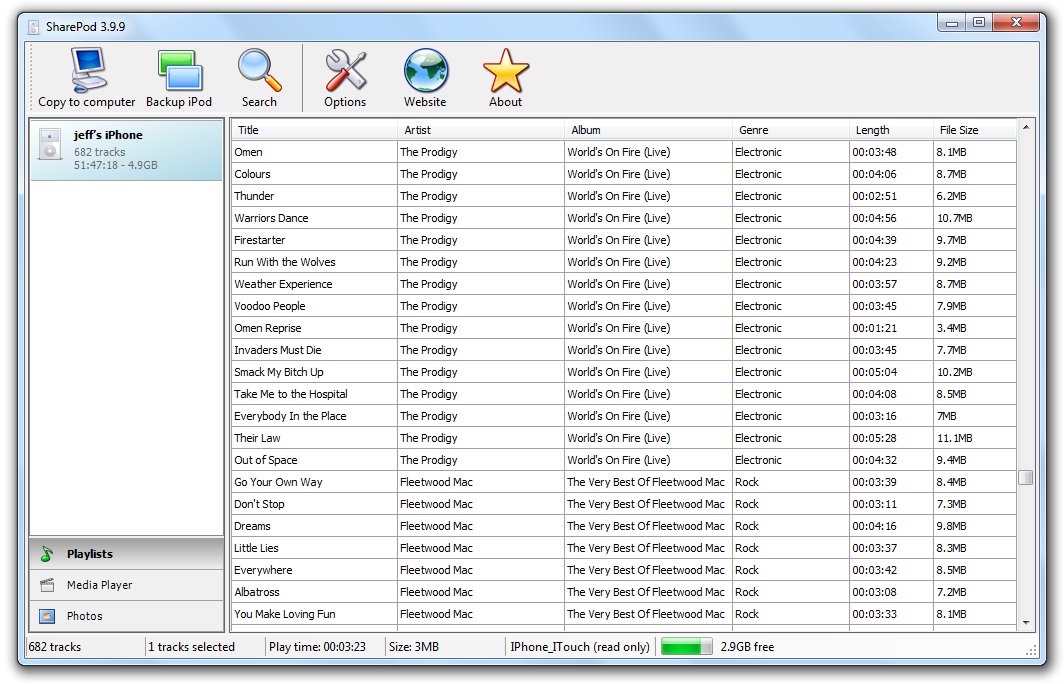
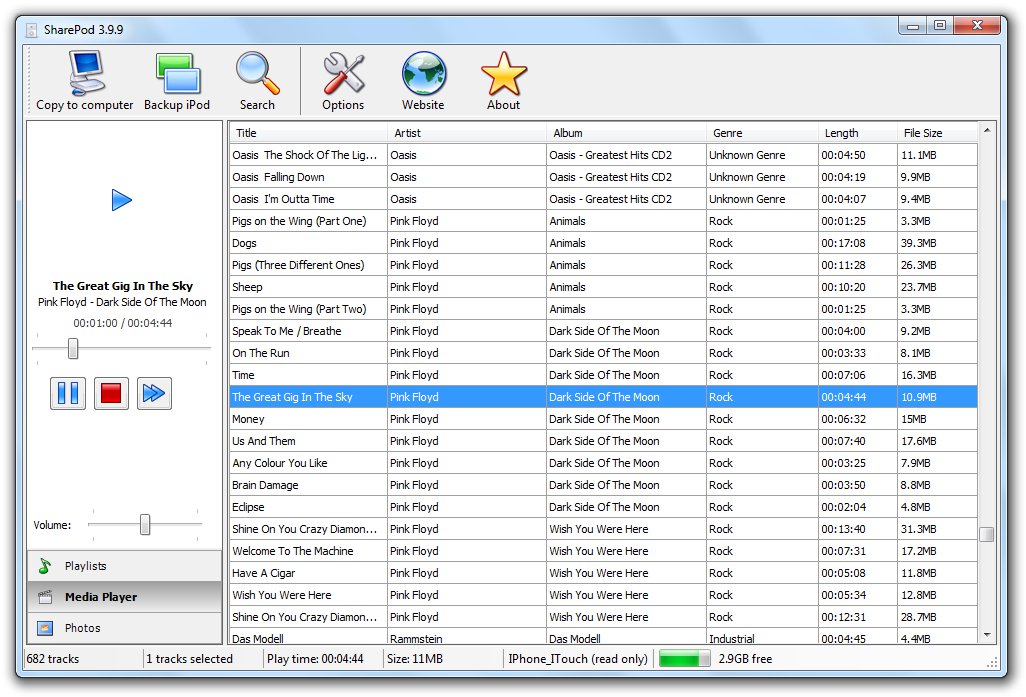
The free, final 3.9.9 version supported these features:
Edit music and videos
Edit playlists
Edit album art
View and backup photos
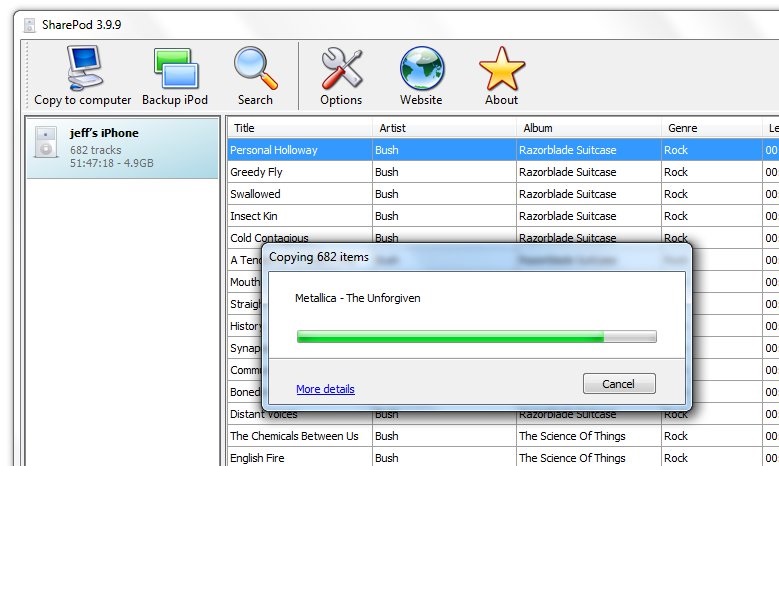
Copy music, videos and playlists from your iPod to PC and back to iPod
Import music and videos into your iTunes library, including playlists and ratings
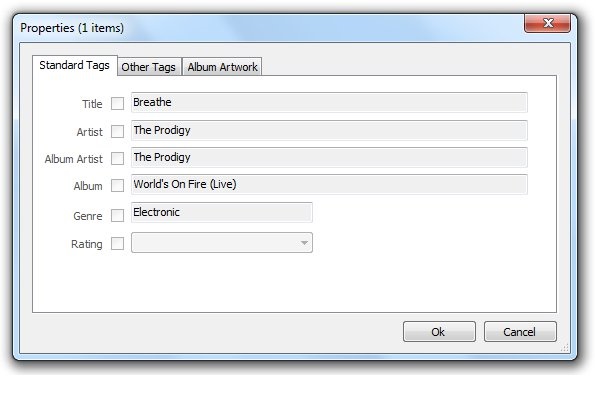
Tag editing
Drag-drop between SharePod and Explorer
Simple, clean, quick to load and use with no unnessary complicated features
Support for iPhone and iTouch (Thanks to Nikias Bassen, Paul Sladen, Jonathan Beck, and Christophe Fergeau for making this possible)
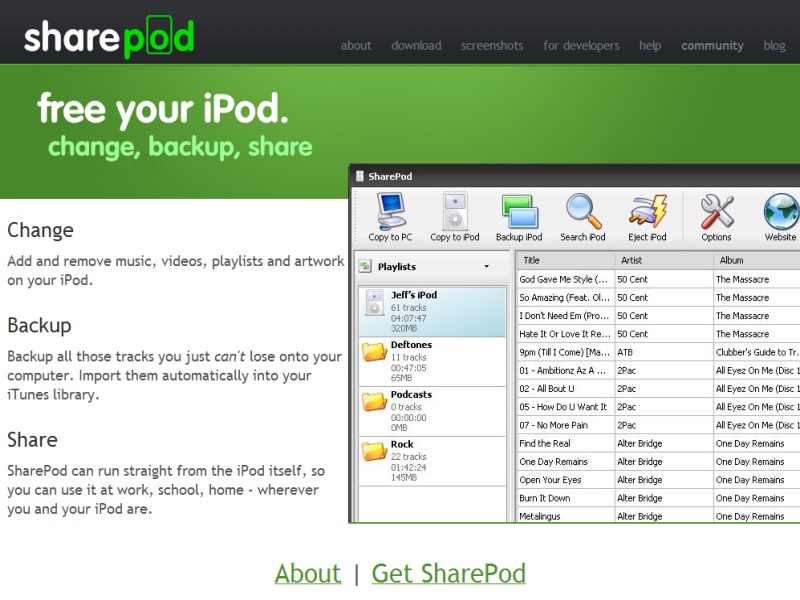
In 2013, when it was acquired, getsharepod.com served 10,000 page views and 6000 downloads per day.
getsharepod.com (2013)
SharePod is actually two projects - the SharePod app and SharePod-lib
SharePod-lib is a .Net library providing all the functionality to discover and interact with iPod/iPhone devices, which the SharePod app used. SharePod-lib was sold as a licensable component, or as source code. Price ranged from $99-$399.
Automatically find connected iPods.
Enumerate and edit tracks, playlists, album artwork
Access and backup photo albums
Support for all iPods - iPhone, iPod Touch, iPod Shuffle, Mini, 3G, 4G (Photo), 5G (Video), 6G (Classic, Nano)
Copy tracks from an iPod to computer.
Support for complex databinding to Windows Forms controls.
Eject iPod from PC.
Sample code:
/*
Initialize SharePod-lib and get a list of all tracks on an iPod.
GetConnectediPod() searches through all drives on the PC to find an iPod.
For performance reasons, it should only be called once, and the IPod object it returns should be used for all subsequent iPod usage.
*/IPod_iPod=null;try{_iPod=SharePodLib.IPod.GetConnectediPod();}catch(BaseSharePodExceptionex){MessageBox.Show(ex.Message);return;}foreach(Tracktrackin_iPod.Tracks){Debug.WriteLine(String.Format("{0} - {1} - {2}",track.Title,track.Artist,track.Album);}
/*
Add a new track to the iPod.
When setting the NewTrack properties, only FilePath and IsVideo are required.
*/NewTracknewTrack=newNewTrack();newTrack.Title="my new track";newTrack.Album="my album";newTrack.FilePath="c:\test.mp3";newTrack.IsVideo=false;newTrack.ArtworkFile="c:\test-artwork.jpg";try{TrackaddedTrack=_iPod.Tracks.Add(newTrack);addedTrack.Rating=newIPodRating(4);//give the new track a 4-star rating;_iPod.SaveChanges();// At this point, the actual file is on the iPod, so we should save database changes.}catch(BaseSharePodExceptionex){MessageBox.Show(ex.Message);return;}
/*
Delete all tracks in the 'Abbey Road' album.
*/try{for(intcount=_iPod.Tracks.Count-1;count>=0;count--){TrackcurrentTrack=_iPod.Tracks[count];if(currentTrack.Album=="Abbey Road"){_iPod.Tracks.Remove(currentTrack);}}// At this point, the actual files have been deleted, so we should save database changes._iPod.SaveChanges();}catch(Exceptionex){MessageBox.Show(ex.Message);}
/*
Create a new playlist (called "New Playlist") and add a track to it.
Modify that track (in this case the comment field).
Use the the IPodExporter class to copy a track to the users c:\ drive:
*/TrackfirstTrack=_iPod.Tracks[0];try{newPlaylist=iPod.Playlists.Add("New Playlist");newPlaylist.AddTrack(firstTrack);}catch(BaseSharePodExceptionex){MessageBox.Show(ex.Message);return;}firstTrack.Comment="Modified by SharePod-lib";IPodFileExporterexporter=newIPodFileExporter(_iPod,"c:\\","[Artist] - [Album] - [Title]");List<Track>tracksToCopy=newList<Track>();tracksToCopy.Add(firstTrack);exporter.SetTracksToCopy(tracksToCopy);// we could also say exporter.SetPlaylistsToCopy(...);exporter.PerformCopy();// before we close the program, we need to save any changes we've made._iPod.SaveChanges();
/*
Get notified when an iPod is connected or disconnected from the computer.
*///the event handlersSharePodLib.Device.iPodConnected+=newiPodConnectedHandler(Device_iPodConnected);SharePodLib.Device.iPodDisconnected+=newiPodDisconnectedHandler(Device_iPodDisconnected);//tell SharePod-lib to listen for new devicesSharePodLib.Device.ListenForDeviceChanges(myWindow.Handle);publicvoidDevice_iPodConnected(IPodiPod){//do stuff with new iPod!}